VOICE AGENTS · 8 PRACTICAL STAGES

Build a Voice Agent

A live browser voice agent with interruptions, tool calls, confirmed test actions and a release package.

Your starting pointA microphone, a supported browser and a spoken task to test. Live practice sends audio to ElevenLabs.

Sign in to try the introduction and first 2 learning phases free. No card required. Subscribe to continue. Check access before starting ↓

YOUR PROJECT AND YOUR LEARNING

Build it.
Learn to judge it.

Confirm a spoken request

Illustrative example · You bring your own task.

  1. 01 / YOUR TASK

    Ask the voice agent to check a test record, interrupt it and change your request.

  2. 02 / EXAMPLE RESULT

    The agent follows the new request, reports the tool result and asks before a test action.

  3. 03 / YOUR CHECK

    Decline the action and check that nothing changes. Then test how it responds when the tool is unavailable.

What you’ll learn to do

Evaluate turn-taking, interruptions, tool-backed answers, and confirmation before an agent acts.

How you’ll check your learning

Try a held-out spoken task in a live session and compare the saved result with your criteria.

THE COURSE PROGRAM

8 practical stages.
One useful project.

Spoken instructions, turn-taking, interruptions, tool results, confirmation and honest recovery. Practice uses real live sessions, not just dictation.

Check what you need ↓
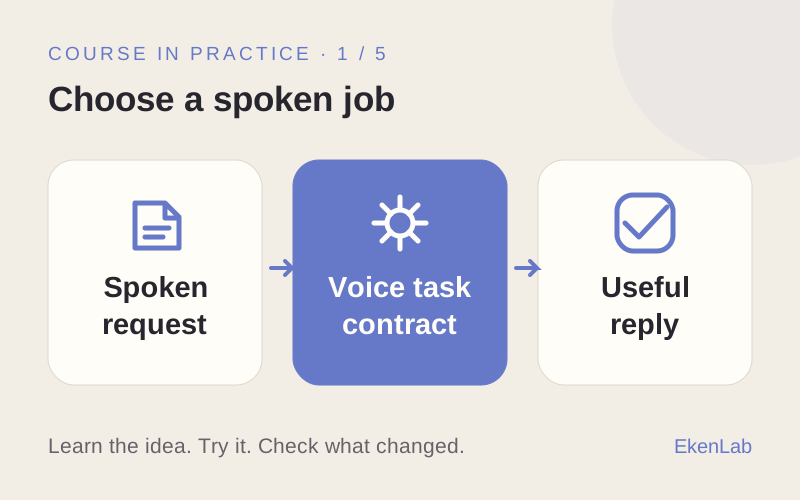
  1. Choose a spoken job

    What you’ll do
    Choose a spoken task and record a first live conversation.
    What you’ll have
    A voice task with clear success criteria.
  2. Write for the ear

    What you’ll do
    Change the instructions and compare how the replies sound.
    What you’ll have
    Instructions suited to spoken interaction.
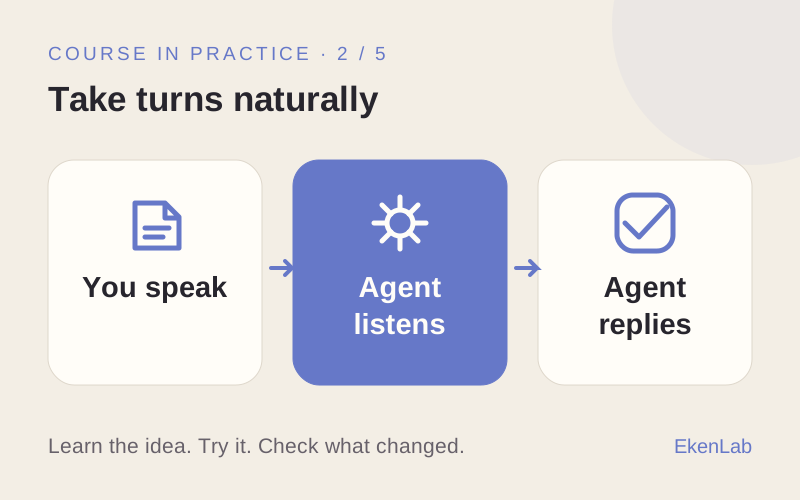
  3. Take turns naturally

    What you’ll do
    Adjust turn-taking and compare live conversations.
    What you’ll have
    A checked balance between listening and replying.
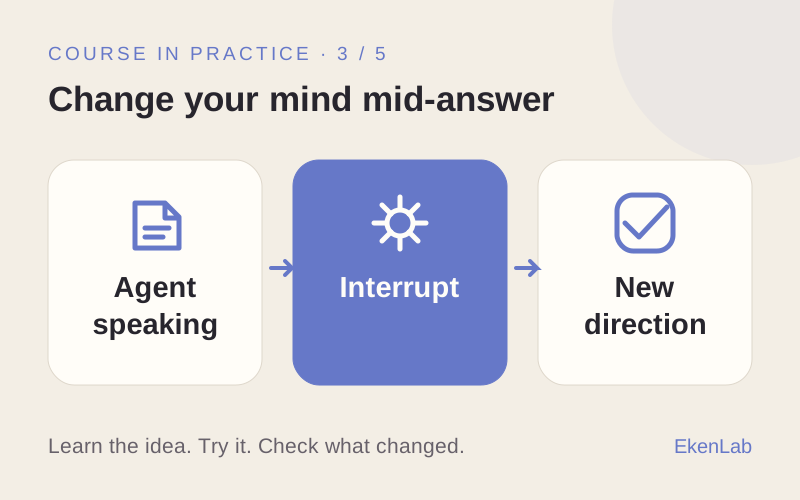
  4. Change your mind mid-answer

    What you’ll do
    Interrupt an answer and observe how the agent responds.
    What you’ll have
    A tested way to change direction mid-conversation.
  5. Get a real answer from a tool

    What you’ll do
    Ask a question that requires a tool and check the source of the answer.
    What you’ll have
    A spoken reply based on an observed tool result.
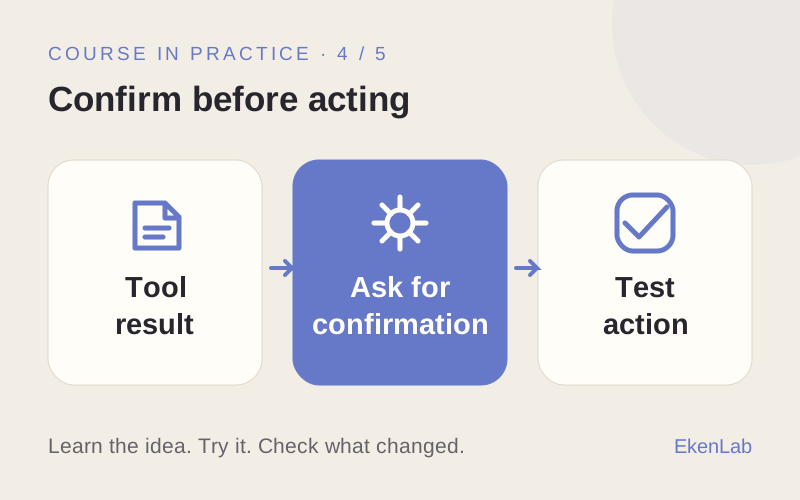
  6. Confirm before acting

    What you’ll do
    Compare a test action with and without spoken confirmation.
    What you’ll have
    A tested confirmation step before acting.
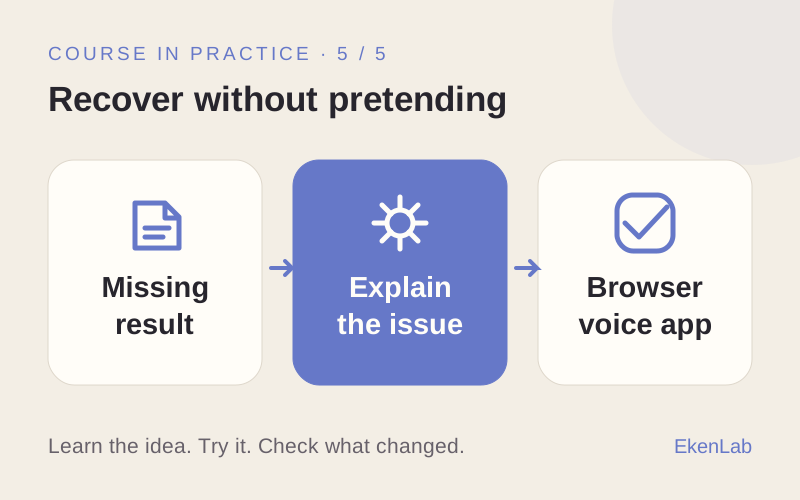
  7. Recover without pretending

    What you’ll do
    Trigger a tool failure and inspect the response.
    What you’ll have
    An honest explanation when the requested result is unavailable.
  8. Release your voice application

    What you’ll do
    Try a new spoken task and review the saved session and package.
    What you’ll have
    A voice application checked against your criteria.

BEFORE YOU START

Know your
next step.

Not sure? Ask the AI advisor →

Before you try

  • Free on this website: read every course program and get up to 10 guest replies from the course advisor. No sign-up required.
  • In the app: sign in to try the introduction and first 2 learning phases free. No card required.
  • Before continuing: subscribe to continue beyond the free phases. Check current plans in the app. External provider costs are separate.

Guest advice and the free learning phases are separate. Neither includes the full course or free external tools.

What happens when I select “Try for free”?

You’ll open Build a Voice Agent in the app. Sign in or create an account if asked. Try the introduction and first 2 learning phases free. No card required. Subscribe to continue.

What will I practice beyond prompting?

Spoken instructions, turn-taking, interruptions, tool results, confirmation and honest recovery. Practice uses real live sessions, not just dictation.

Will my advisor conversation move with me?

Your guest conversation stays on this website. It is not transferred to your app account. Bring your task and any useful notes when you start.

YOUR NEXT STEP

Ready to put
this skill to work?

Try for free

Sign in to try the introduction and first 2 learning phases free. No card required. Subscribe to continue.