What you’ll learn to do
Verify action items against meeting notes and recognize missing owners, deadlines, or cancelled commitments.
MEETING ACTIONS · 4 PRACTICAL STAGES
An assistant that ties action items to source evidence, leaves missing facts visible and is checked on a new meeting.
Your starting pointDesigned for managers who do not code. Bring anonymized meeting notes and your own criteria for useful action items.
Sign in to try the introduction and first 2 learning phases free. No card required. Subscribe to continue. Check access before starting ↓

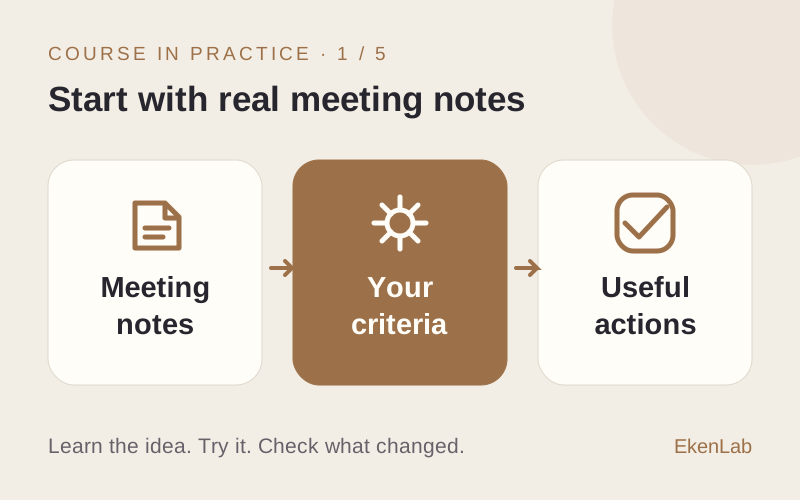
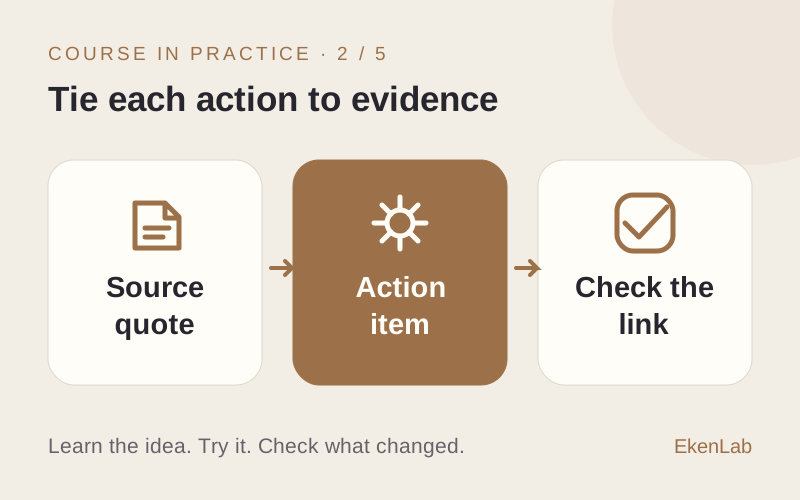
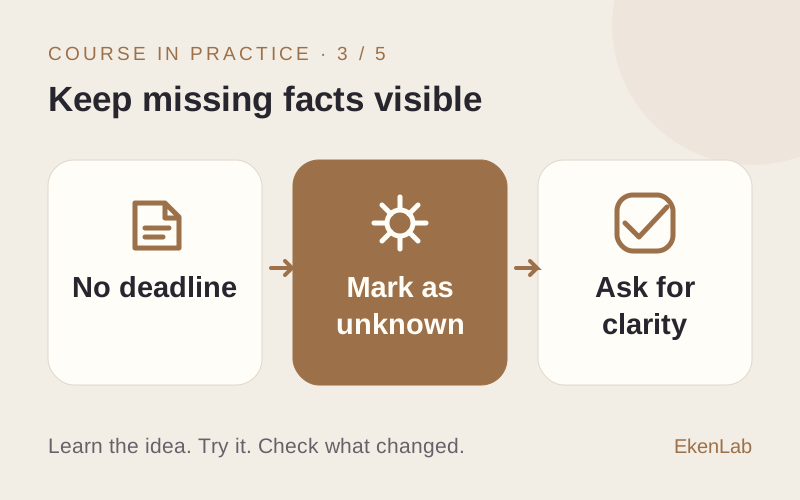
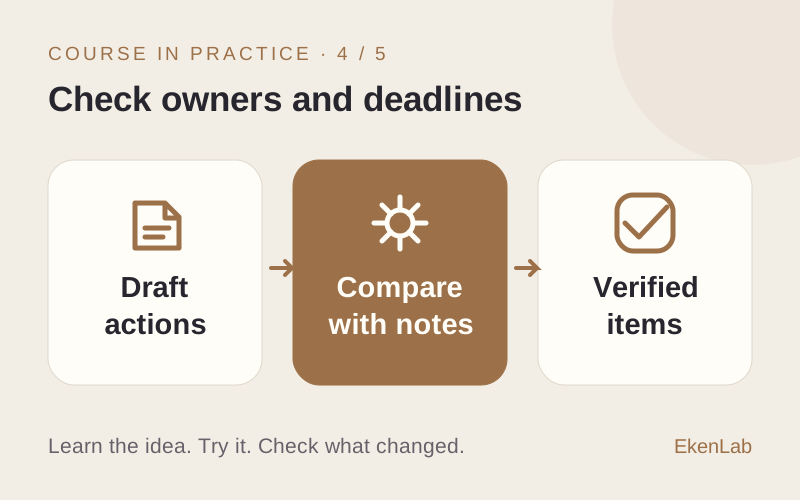
YOUR PROJECT AND YOUR LEARNING
Illustrative example · You bring your own task.
“Emily will send the revised proposal. Alex suggested a customer call, but no one agreed to it.”
Action: send the revised proposal. Owner: Emily. Deadline: not specified. Evidence: the first sentence.
Check that the unconfirmed call is not reported as a commitment and no deadline is invented.
Verify action items against meeting notes and recognize missing owners, deadlines, or cancelled commitments.
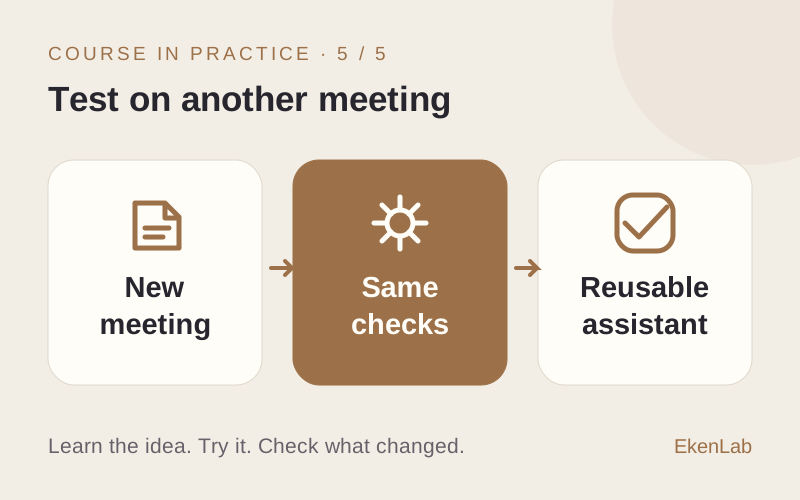
Test a new meeting, change one cancellation line, and explain which action items should change and why.
THE COURSE PROGRAM
Your work task, source-backed action items, missing owners or deadlines and transfer to another meeting.
Check what you need ↓Guest advice and the free learning phases are separate. Neither includes the full course or free external tools.
You’ll open From Meeting Notes to Verified Action Items in the app. Sign in or create an account if asked. Try the introduction and first 2 learning phases free. No card required. Subscribe to continue.
Your work task, source-backed action items, missing owners or deadlines and transfer to another meeting.
Your guest conversation stays on this website. It is not transferred to your app account. Bring your task and any useful notes when you start.
YOUR NEXT STEP
Sign in to try the introduction and first 2 learning phases free. No card required. Subscribe to continue.