What you’ll learn to do
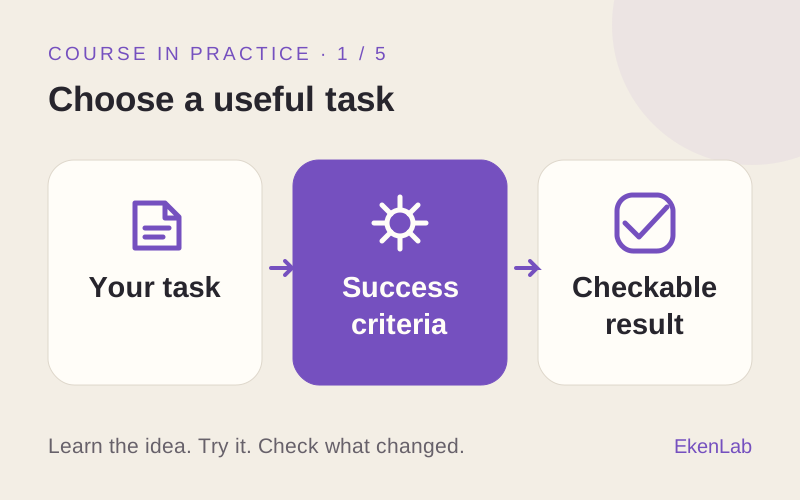
Define a useful task, set action boundaries, and judge whether an agent’s output meets your criteria.
YOUR FIRST AGENT · 7 PRACTICAL STAGES
A portable agent that uses approved tools, asks for missing information, and produces work you can check.
Your starting pointBring one work task and a way to judge the result. The mentor can handle the code.
Sign in to try the introduction and first 2 learning phases free. No card required. Subscribe to continue. Check access before starting ↓

YOUR PROJECT AND YOUR LEARNING
Illustrative example · You bring your own task.
Illustrative response, not a live agent or a recorded learner result.
Find the return window in this sample policy, then request a return.
Sample store policy: returns are accepted within 30 days of delivery.
The policy allows returns within 30 days of delivery. What is your order number?
No return submitted. The order number and approval are still needed.
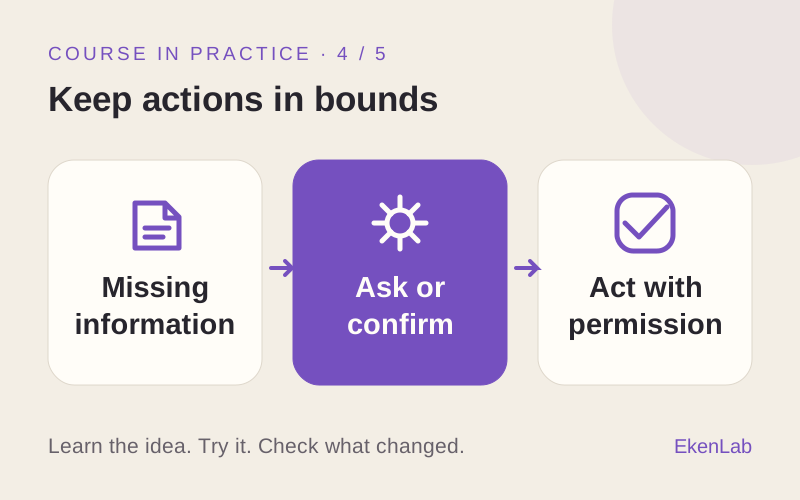
Your checkRemove a required detail or deny approval. Check that the agent asks instead of inventing information or acting anyway.
Define a useful task, set action boundaries, and judge whether an agent’s output meets your criteria.
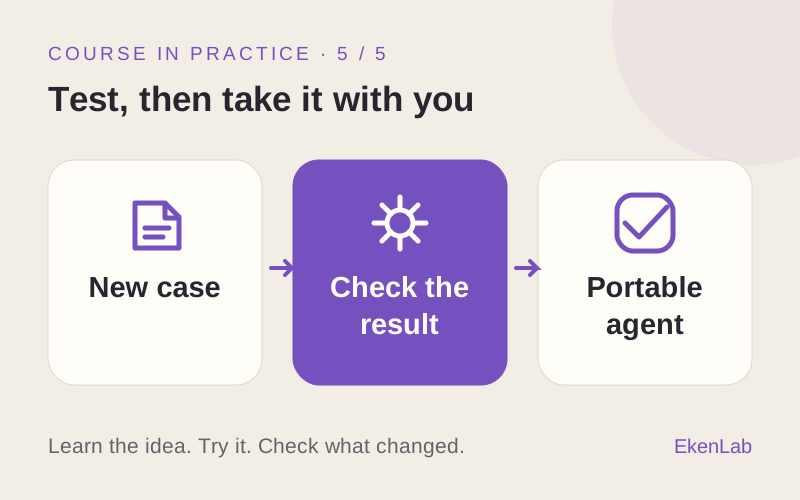
Try a held-out input, compare the result with your criteria, and explain what needs to change.
INSIDE A LESSON
Adapted from “Give your agent a clear job”. This is a course exercise, not a student conversation.
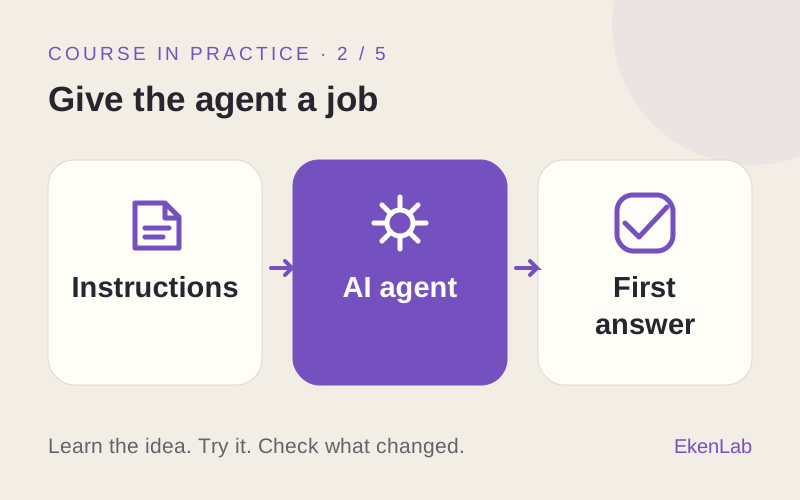
Run your agent with its current instructions. Keep the answer and your criteria for a useful result.
Write one new rule in your own words. Predict what will change, then run the same request and input again.
Find what changed in the two answers. If nothing changed, record that too. Explain what you would keep or change next.
Choose the task, write the rule, predict the change, start the runs and judge the evidence.
Explain the next step, help with the technical setup and discuss what the results show. You can choose to write code yourself.
THE COURSE PROGRAM
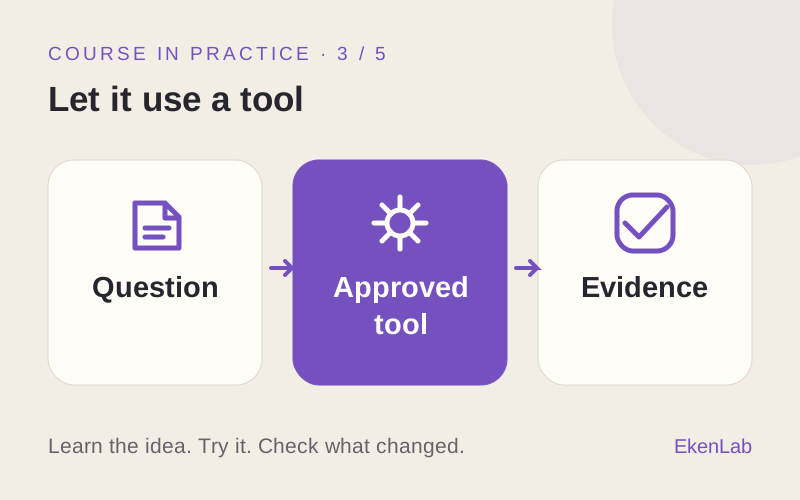
A clear job, tool use, clarification, permission boundaries and evaluation on new inputs.
Start with stages 01–03 free after signing in. No card required. A subscription is required for stages 04–07. External tools may cost extra.
Check what you need ↓Guest advice and the free learning phases are separate. Neither includes the full course or free external tools.
You’ll open Build Your First AI Agent in the app. Sign in or create an account if asked. Try the introduction and first 2 learning phases free. No card required. Subscribe to continue.
A clear job, tool use, clarification, permission boundaries and evaluation on new inputs.
Your guest conversation stays on this website. It is not transferred to your app account. Bring your task and any useful notes when you start.
YOUR NEXT STEP
Sign in to try the introduction and first 2 learning phases free. No card required. Subscribe to continue.