CLAUDE AGENT SDK · 12 PRACTICAL STAGES

Build Agents with the Claude Agent SDK

A capstone agent for a real task, with practical experience of tools, permissions, subagents, skills, sessions and hooks.

Your starting pointChoose a result-owner, strategist or coder track with the mentor. Expect SDK concepts and runnable experiments; coding depth follows your track.

Sign in to try the introduction and first 2 learning phases free. No card required. Subscribe to continue. Check access before starting ↓

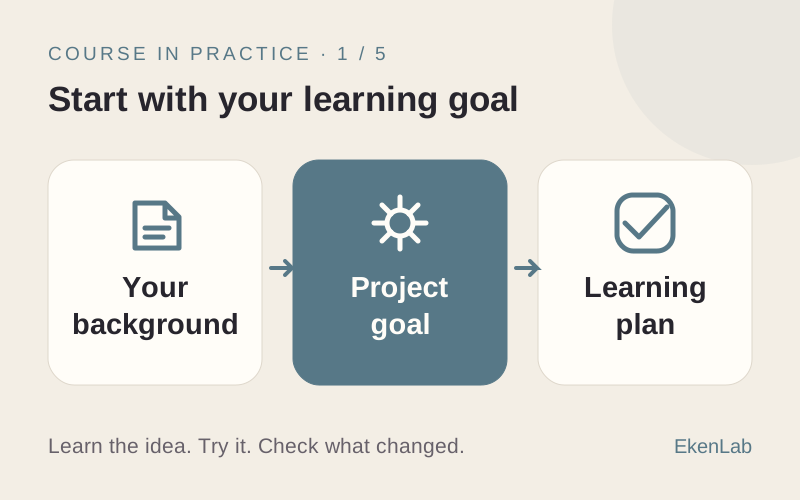
YOUR PROJECT AND YOUR LEARNING

Build it.
Learn to judge it.

Build an assistant for project notes

Illustrative example · You bring your own task.

  1. 01 / YOUR TASK

    Use the SDK to give an agent a focused job: review project notes and flag unresolved questions.

  2. 02 / EXAMPLE RESULT

    An agent workflow that uses the chosen tools and produces a review you can inspect.

  3. 03 / YOUR CHECK

    Compare the review with the notes, inspect tool use and test a case with missing information.

What you’ll learn to do

Make and test decisions about tools, permissions, and agent behavior at your chosen coding depth.

How you’ll check your learning

Apply the SDK concepts in a capstone for your task; agree on the checks and your personal contribution with the mentor.

THE COURSE PROGRAM

12 practical stages.
One useful project.

Agent foundations, a first SDK run, built-in and custom tools, external MCP, subagents, skills, sessions, memory and hooks. Source lessons are Russian; the mentor follows your conversation language.

Check what you need ↓
  1. Your learner profile

    What you’ll do
    Discuss your goal, experience and how much coding you want to do.
    What you’ll have
    An agreed learning goal and division of work with the mentor.
  2. Agents and the Agent SDK

    What you’ll do
    Explore how an agent uses instructions and tools through the SDK.
    What you’ll have
    A working understanding of the agent’s main parts.
  3. Setup and your first agent

    What you’ll do
    Set up the environment with the mentor and make a first SDK run.
    What you’ll have
    A first agent response you can inspect.
  4. Built-in tools

    What you’ll do
    Explore built-in tools and observe how the agent uses them.
    What you’ll have
    An understanding of what each tested tool contributes.
  5. Permissions and limits

    What you’ll do
    Explore permissions and limits for an agent task.
    What you’ll have
    Defined boundaries for the agent’s work.
  6. Your own tool

    What you’ll do
    Add a tool for a specific task and examine its result.
    What you’ll have
    A custom tool connected to your agent.
  7. External MCP

    What you’ll do
    Explore connecting an external MCP server.
    What you’ll have
    Experience using an external tool through MCP.
  8. Subagents

    What you’ll do
    Explore assigning a focused task to a subagent.
    What you’ll have
    A clearer division of work between agents.
  9. Skills

    What you’ll do
    Explore using a skill for a repeatable procedure.
    What you’ll have
    A reusable procedure within an agent workflow.
  10. Sessions and memory

    What you’ll do
    Explore sessions and how context is kept between interactions.
    What you’ll have
    An understanding of what persists and what needs explicit storage.
  11. Hooks

    What you’ll do
    Explore hooks around the agent’s workflow.
    What you’ll have
    Experience observing or controlling a step with a hook.
  12. Capstone

    What you’ll do
    Apply the concepts to your own task and agree on acceptance checks.
    What you’ll have
    A capstone agent tested against your project criteria.

BEFORE YOU START

Know your
next step.

Not sure? Ask the AI advisor →

Before you try

  • Free on this website: read every course program and get up to 10 guest replies from the course advisor. No sign-up required.
  • In the app: sign in to try the introduction and first 2 learning phases free. No card required.
  • Before continuing: subscribe to continue beyond the free phases. Check current plans in the app. External provider costs are separate.

Guest advice and the free learning phases are separate. Neither includes the full course or free external tools.

What happens when I select “Try for free”?

You’ll open Build Agents with the Claude Agent SDK in the app. Sign in or create an account if asked. Try the introduction and first 2 learning phases free. No card required. Subscribe to continue.

What will I practice beyond prompting?

Agent foundations, a first SDK run, built-in and custom tools, external MCP, subagents, skills, sessions, memory and hooks. Source lessons are Russian; the mentor follows your conversation language.

Will my advisor conversation move with me?

Your guest conversation stays on this website. It is not transferred to your app account. Bring your task and any useful notes when you start.

YOUR NEXT STEP

Ready to put
this skill to work?

Try for free

Sign in to try the introduction and first 2 learning phases free. No card required. Subscribe to continue.