MCP · 8 PRACTICAL STAGES

Connect Your Agent with MCP

A portable agent and separate MCP server with observable tool calls, scoped access and confirmed test updates.

Your starting pointA task that needs an external tool or data source. First AI Agent is a useful starting point if agents are new to you.

Sign in to try the introduction and first 2 learning phases free. No card required. Subscribe to continue. Check access before starting ↓

YOUR PROJECT AND YOUR LEARNING

Build it.
Learn to judge it.

Connect a request to a real tool

Illustrative example · You bring your own task.

  1. 01 / YOUR TASK

    Look up a record in a test data source, then propose a status update.

  2. 02 / EXAMPLE RESULT

    The agent uses the MCP lookup tool and requests confirmation before the test update.

  3. 03 / YOUR CHECK

    Inspect the tool calls. Deny the update, then disconnect the server and check the failure response.

What you’ll learn to do

Choose and inspect tool calls, set access boundaries, and diagnose a broken connection.

How you’ll check your learning

Change a data source and check the resulting tool calls and output against your integration criteria.

THE COURSE PROGRAM

8 practical stages.
One useful project.

Connection contracts, discovery, tool selection, permissions, deliberate changes and broken-connection recovery. This is not a ready-made connector to every service.

Check what you need ↓
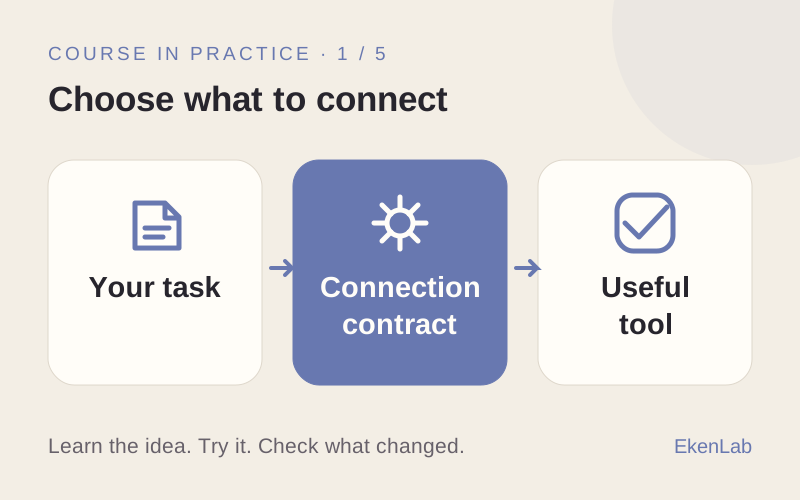
  1. Choose what to connect

    What you’ll do
    Choose an external data source or tool and define the intended access.
    What you’ll have
    A clear connection task and success criteria.
  2. Make the connection

    What you’ll do
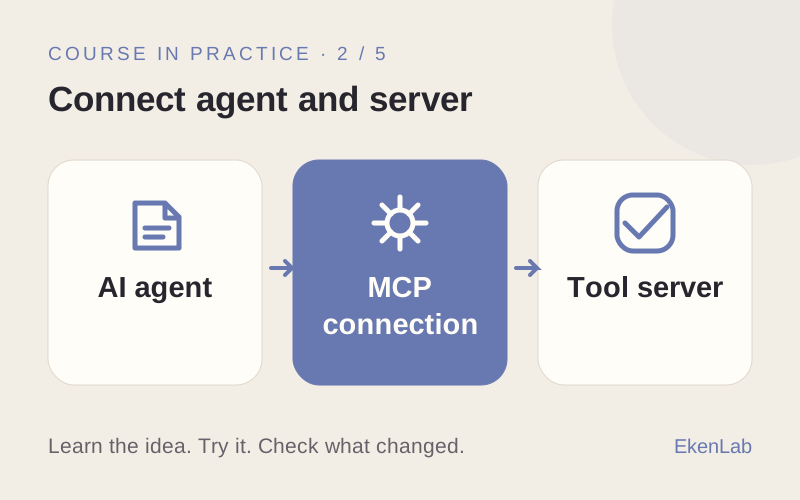
    Connect the agent to a separate MCP server and check the connection.
    What you’ll have
    A connection whose working state you can inspect.
  3. See what the server offers

    What you’ll do
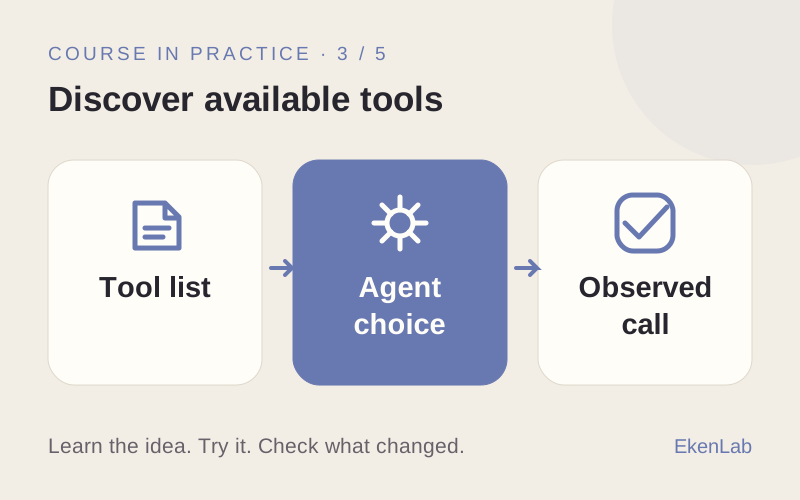
    Inspect the tools the server makes available.
    What you’ll have
    A verified list of available capabilities.
  4. Help the agent choose

    What you’ll do
    Change a tool description and compare the agent’s choices.
    What you’ll have
    Evidence that the agent selects the intended tool.
  5. Limit what it can do

    What you’ll do
    Compare read-only access with access that can change test data.
    What you’ll have
    A tested limit on what the agent can do.
  6. Make changes deliberately

    What you’ll do
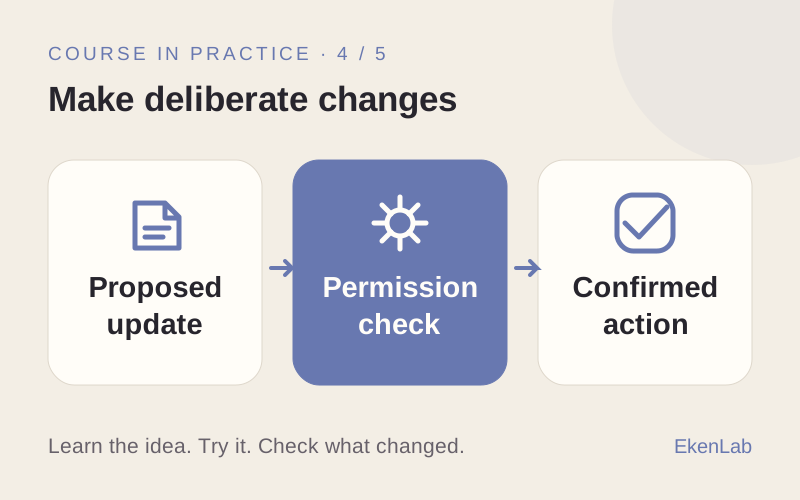
    Test a proposed update with and without explicit approval.
    What you’ll have
    An update flow that requires a deliberate confirmation.
  7. Handle a broken connection

    What you’ll do
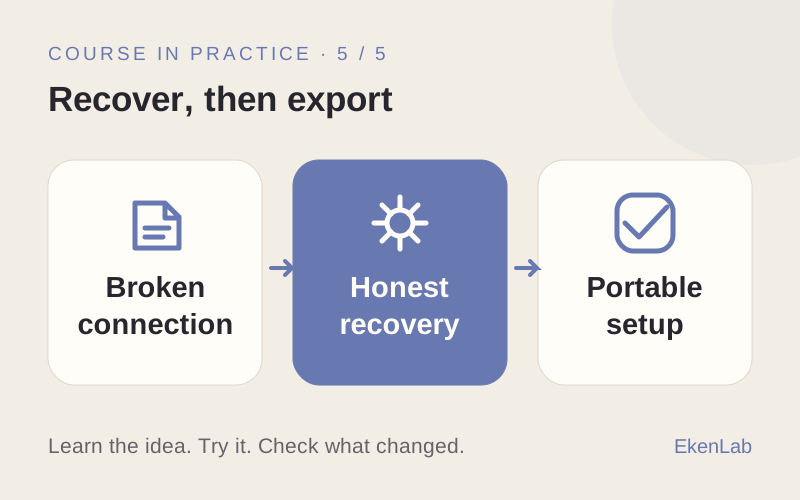
    Break the connection and inspect the resulting behavior.
    What you’ll have
    A clear failure response and a recovery check.
  8. Connect it outside the course

    What you’ll do
    Package the connection and test a changed data source.
    What you’ll have
    An agent and MCP server you can take outside the course.

BEFORE YOU START

Know your
next step.

Not sure? Ask the AI advisor →

Before you try

  • Free on this website: read every course program and get up to 10 guest replies from the course advisor. No sign-up required.
  • In the app: sign in to try the introduction and first 2 learning phases free. No card required.
  • Before continuing: subscribe to continue beyond the free phases. Check current plans in the app. External provider costs are separate.

Guest advice and the free learning phases are separate. Neither includes the full course or free external tools.

What happens when I select “Try for free”?

You’ll open Connect Your Agent with MCP in the app. Sign in or create an account if asked. Try the introduction and first 2 learning phases free. No card required. Subscribe to continue.

What will I practice beyond prompting?

Connection contracts, discovery, tool selection, permissions, deliberate changes and broken-connection recovery. This is not a ready-made connector to every service.

Will my advisor conversation move with me?

Your guest conversation stays on this website. It is not transferred to your app account. Bring your task and any useful notes when you start.

YOUR NEXT STEP

Ready to put
this skill to work?

Try for free

Sign in to try the introduction and first 2 learning phases free. No card required. Subscribe to continue.